How to Keep Track of Your Bills Every Month (Free Bill Tracker)
 By Lindebury · 5 min read
A late fee is the most annoying money you will ever spend: you had the money, you just forgot. The fix is not a better memory, it is one list and a 5-minute routine.
1. Make one list of every bill
Open your bank statement for the last two months and write down every payment that comes back: rent, car, utilities, phone, internet, insurance, credit cards, subscriptions. For each one, note three things: the name, the due day and the amount.
2. Sort them by due day
Put the list in the order of the month, from the 1st to the 31st. You now see when the money leaves, and which week of the month is the heaviest.
3. Tick each bill when it is paid
This is the part that saves you. Every time you pay, or every time an autopay goes through, tick it. At any moment you know exactly what is left to pay this month, and how much.
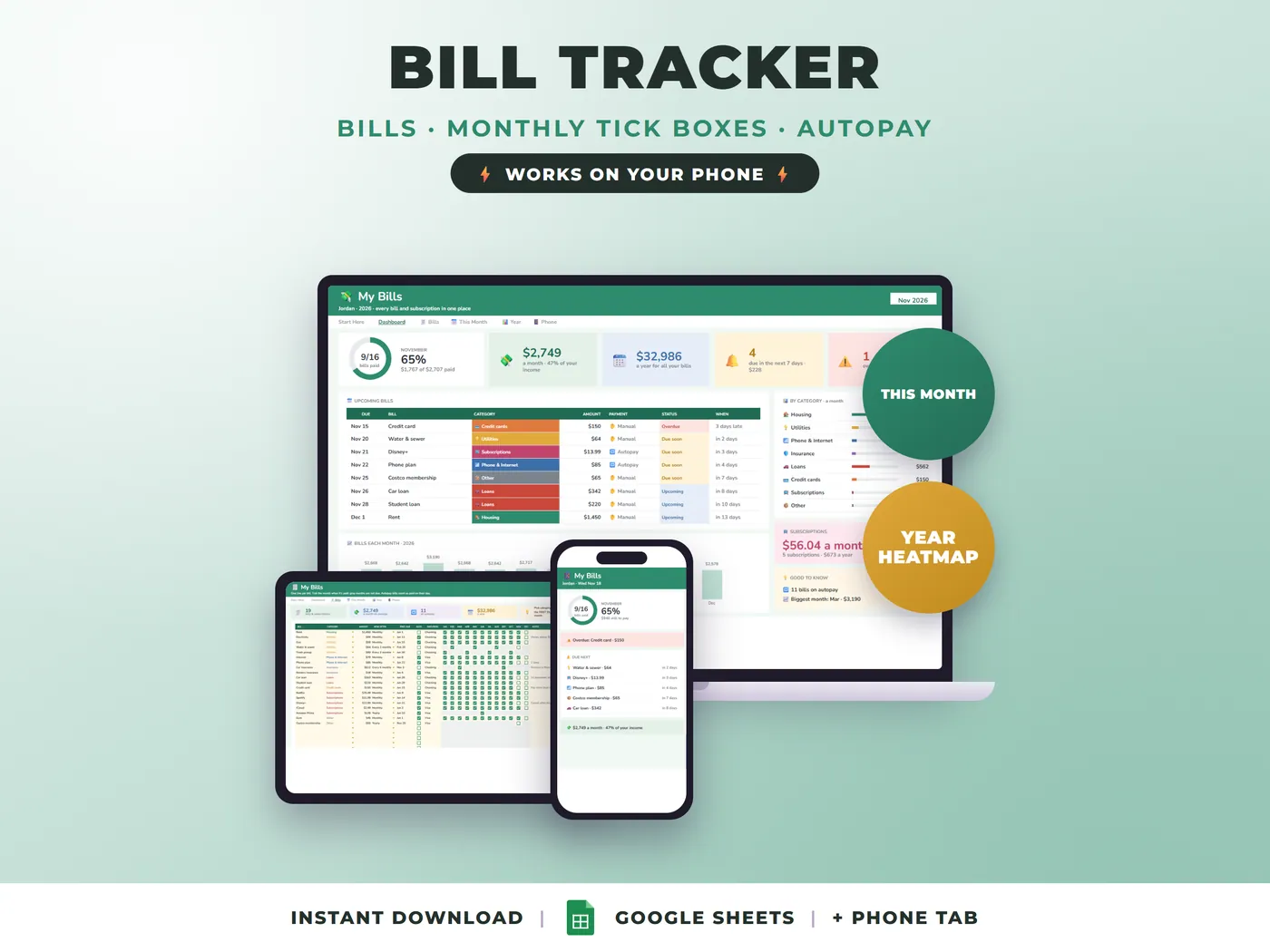
Google Sheets · every bill, its due day, tick it when paid.
4. The 5-minute monthly reset
- On the 1st, untick everything for the new month.
- Check if an amount changed (electricity in winter, a new subscription).
- Cancel one subscription you forgot you had. There is almost always one.
Going further
When you want the whole year at a glance, a calendar of due dates and a phone tab, our full Bill Tracker for Google Sheets tracks every bill and subscription month by month, with the yearly cost of each one.