How to Budget by Paycheck (Free Google Sheets Template)
 By Lindebury · 6 min read
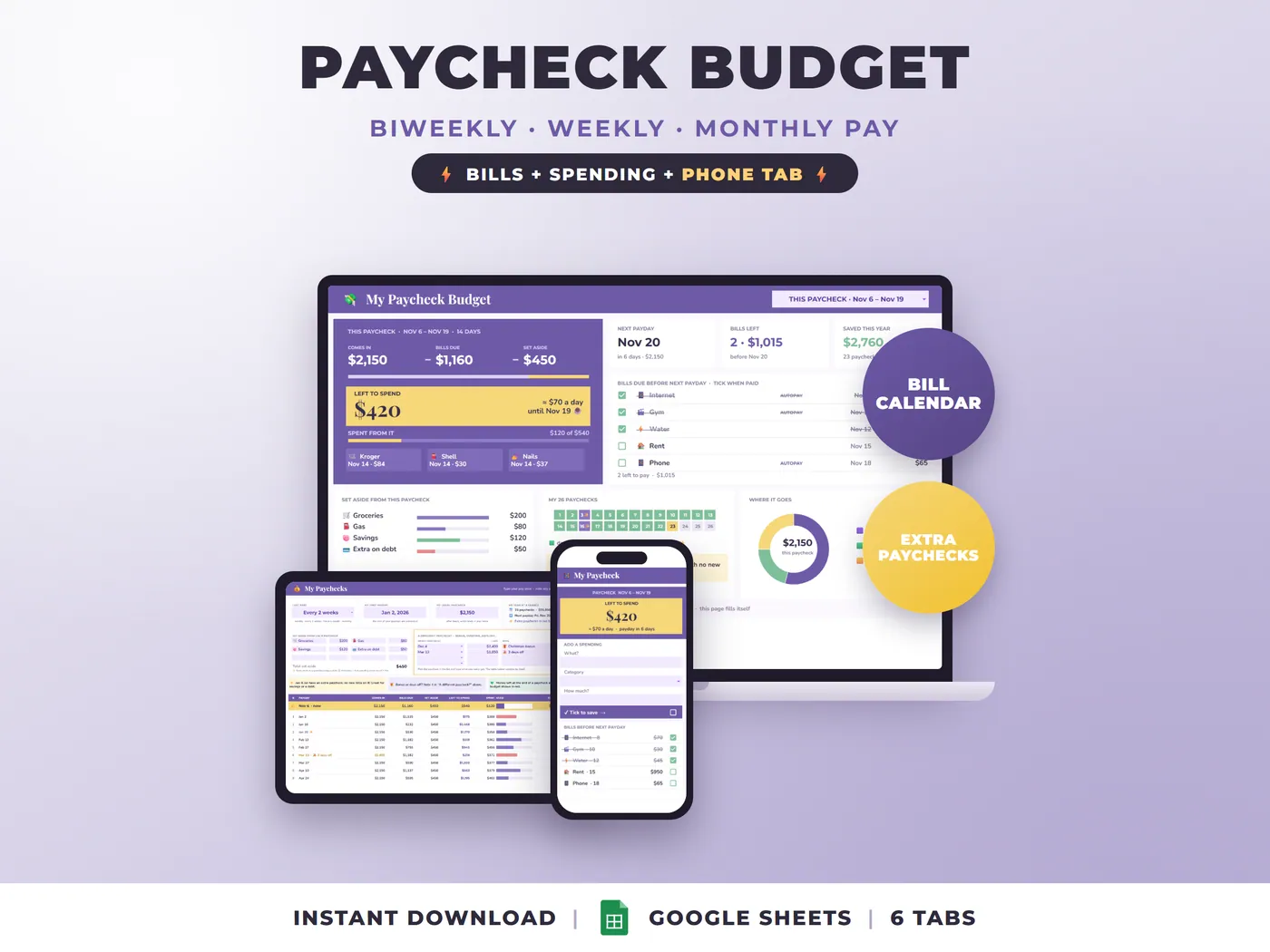
If you are paid every two weeks, a monthly budget never quite fits. Some months have three paychecks, rent is due before payday, and the money feels gone before it even arrives. Budgeting by paycheck fixes that, and it only takes four steps.
1. List your paydays for the next 3 months
Write down every date money lands in your account, with the amount. If you are paid biweekly, you will spot the two "extra paycheck" months of the year right away: in 2027 they are the months with three Fridays on your pay schedule.
2. Give each bill to a paycheck
Take each bill and look at its due date. Attach it to the paycheck that arrives just before it. Rent due on the 1st goes to the paycheck of the 25th, the phone bill due on the 18th goes to the paycheck of the 11th. Now every paycheck has its own short list of bills.
- Big bills (rent, car) usually go to the first paycheck of the month.
- Small bills and subscriptions fill the second one.
- Yearly bills (car insurance, Amazon Prime) get a small amount set aside from every paycheck.
3. Split what is left
Paycheck minus its bills = what is left. Split it between three jobs: everyday spending (groceries, gas, fun), savings, and extra debt payments. A simple start is 60% spending, 20% savings, 20% debt, then adjust.
4. Plan the extra paychecks
Twice a year, a paycheck arrives with no rent attached to it. Decide now what it will do: an emergency fund, a big debt payment, Christmas. Planned in advance, those two paychecks can change your whole year.
Google Sheets · every bill, its due day, tick it when paid.
Want it done for you?
Our Paycheck Budget template for Google Sheets does all of this automatically: type your pay schedule and your bills once, and every bill lands on the right paycheck, with what is left to spend and a phone tab to log spending in seconds.