How to Plan a Christmas Budget You Can Actually Keep
 By Lindebury · 5 min read
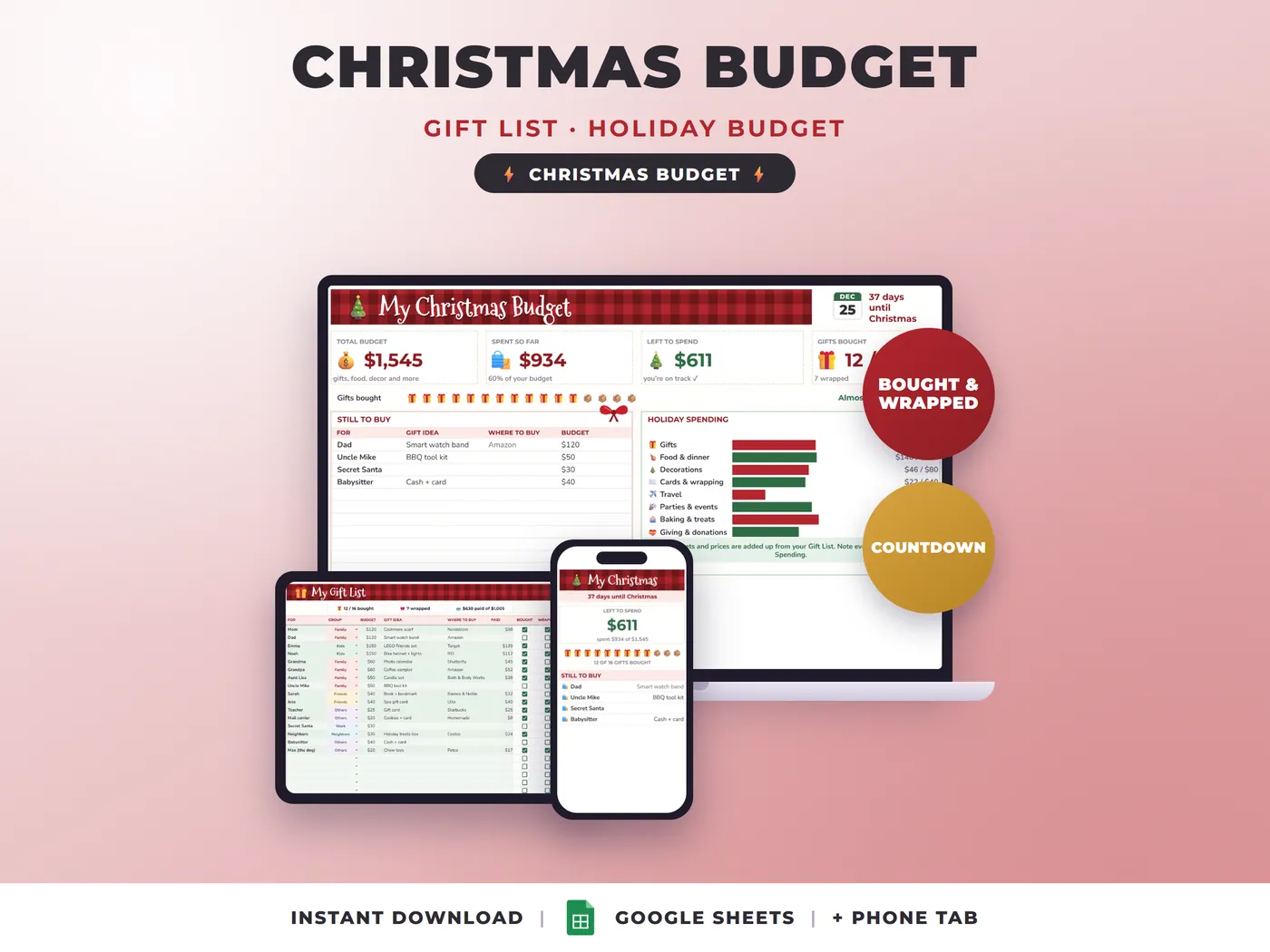
Most holiday overspending does not come from the big gifts. It comes from the small things nobody planned: wrapping paper, a last-minute gift, the extra groceries, the Secret Santa at work. A Christmas budget works when it plans the small things too.
1. Pick one total number
Look at what you can really put aside between now and December without using a credit card. That is your Christmas total. Write it down before you open a single shop.
2. Split it into four envelopes
- Gifts: usually the biggest part, around 60%.
- Food and hosting: the Christmas dinner, the treats, the drinks.
- Decorations and wrapping: small, but they add up fast.
- Extras: cards, postage, the teacher, the neighbors, a party outfit.
3. Give every person a gift budget
List everyone you buy for, with an amount next to each name, and check that the sum stays inside your Gifts envelope. Then shop with the list: when a gift costs less than planned, the difference stays in the envelope.
4. Log every holiday dollar
Every time you spend on Christmas, write it down the same day. Two minutes a day in December is what makes the budget real.
Google Sheets · every bill, its due day, tick it when paid.
Start January lighter
Our Christmas Budget template for Google Sheets puts the gift list, the budget per person and the holiday spending log in one file, with a countdown to Christmas. Plan it once and enjoy December.