 1 / 8
Small Business Bookkeeping
Bookkeeping that does the work for you.
$9.99
One-time paymentSecure checkout by Stripe · Card, Apple Pay, Google Pay
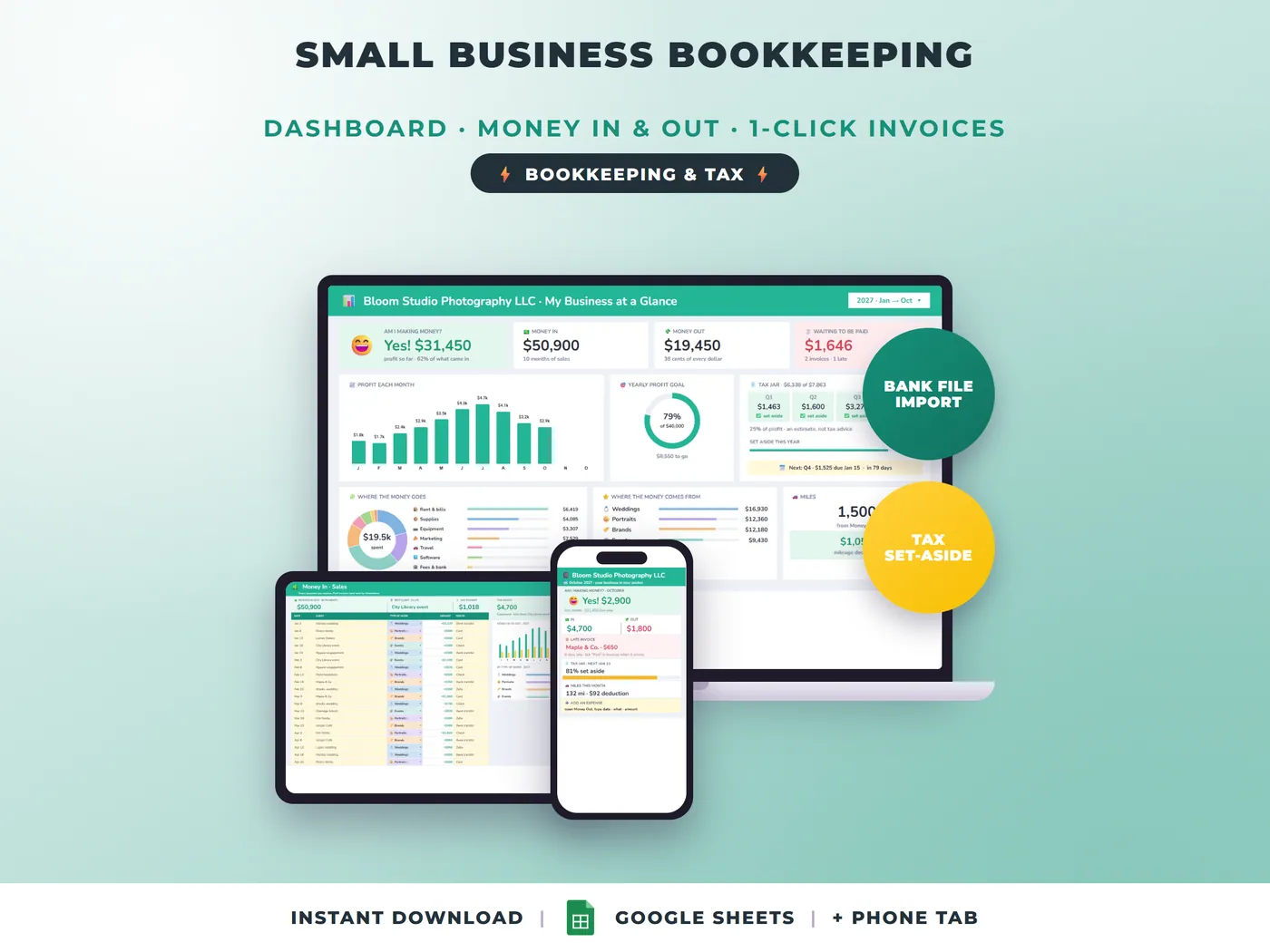
Bookkeeping that does the work for you. Import the CSV file from your bank: money in and money out go to the right tabs and your Rules sort them into your categories. Or type a sale or an expense yourself. Everything else updates by itself: your Dashboard, your Year Summary and the money to set aside for taxes. Made for US small businesses and freelancers, in Google Sheets. Need to bill a client? Add the invoice lines, tick a box and your PDF invoice is ready, with your business details, lines and totals filled in for you. When the client pays, tick "Paid" and the payment goes to Money In by itself.
What It Does For You, Automatically
- 1-click PDF invoices, ready to send
- Paid invoices go to Money In by themselves
- Late invoices turn red, so you know who to remind
- Your bank file (CSV) goes to the right tabs, sorted into your categories with your Rules
- Your monthly bills are added in one click
- Profit, charts, tax set-aside and miles update as you type
7 parts
What's inside
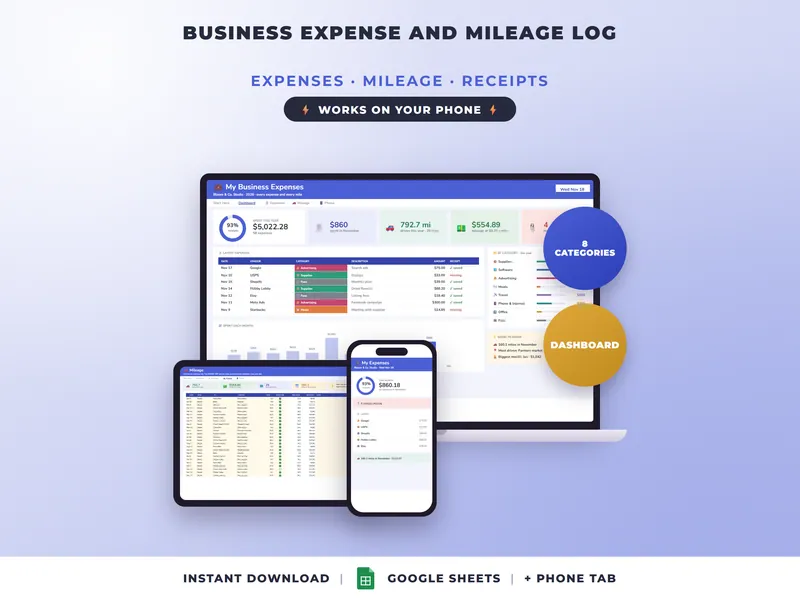
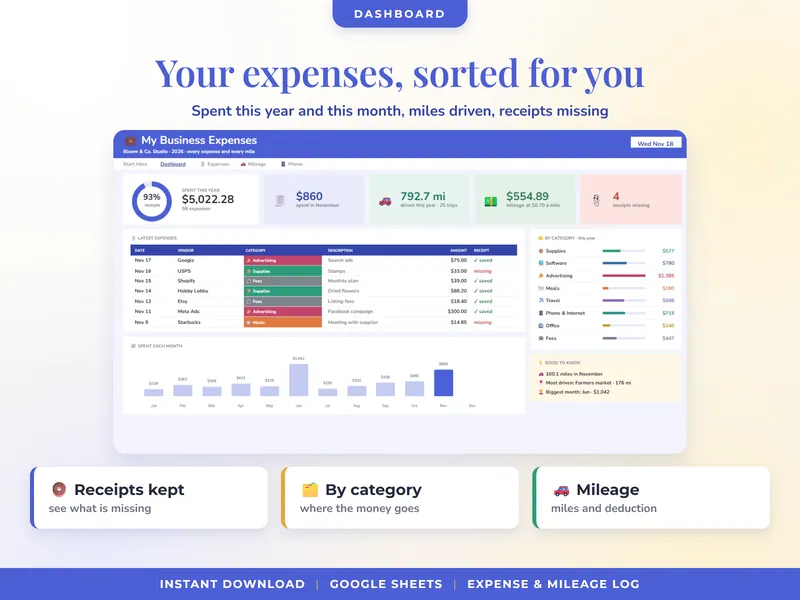
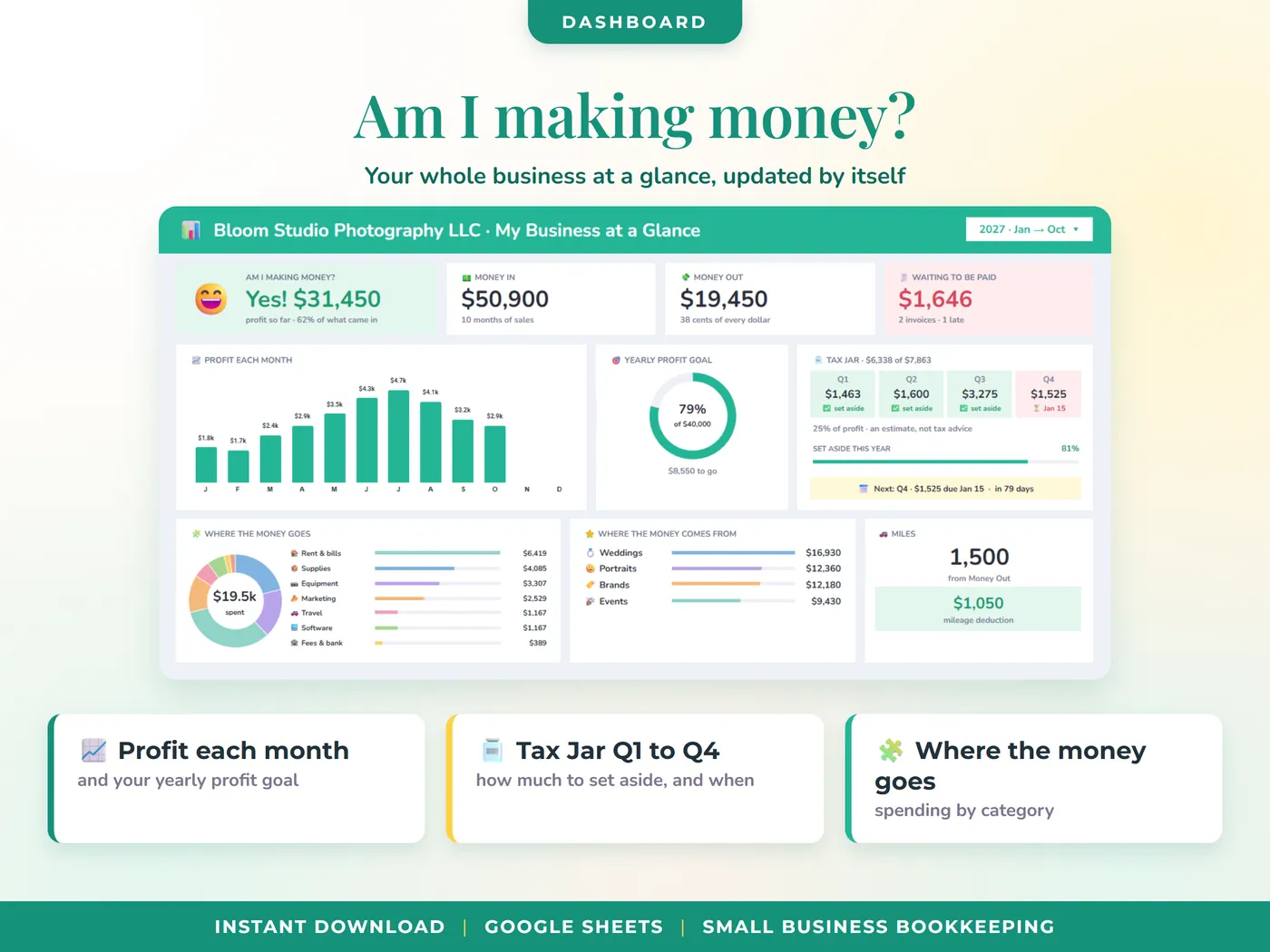
Profit this year, money in, money out, invoices waiting to be paid, profit each month, a yearly profit goal, a Tax Jar for Q1 to Q4, where the money goes, where it comes from and your miles
Every payment you receive, with your best client, average payment, money in vs out and income by type of work
Expenses by category, miles, a bank file import (CSV), Rules that sort your bank lines for you and your monthly bills
Your business details, your invoice list and lines, late invoices in red, and a box to tick to download a clean PDF invoice
Money in, money out and profit month by month with a chart, ready to send to your accountant, plus quarterly tax set-aside with a box to tick
Am I making money, in and out, late invoices, tax jar and miles in the free Google Sheets app
Your name, year, tax set-aside rate, mileage rate, your own categories and 4 color themes (Mint & Lemon, Classic Blue, Blush & Rose Gold, Black & White)
The 💼 Business Menu
- Import your bank file (CSV): money in and money out go to the right tab, lines already there are skipped
- Sort with your Rules: "ADOBE" goes to Software, every time
- Add this month's bills in one click
- 1-click invoices: tick the box at the end of an invoice line and the PDF downloads. Tick "Paid" and the payment goes to Money In by itself.
- The first time you use the menu, Google asks you to allow the small script inside your own copy (once). It can only open this spreadsheet.
Good to know
Tax amounts are an estimate (your profit × the rate you choose), to help you set money aside on the IRS quarterly dates. This is not tax advice.
Amounts in US dollars. Made for Google Sheets, not Excel.
Invoice PDFs and the bank import work on a computer. The Phone tab works in the Google Sheets app.
What You Get
- A PDF with your link to make your own copy, plus a quick start guide. You need a free Google account. Pay once, no subscription, private in your own Google Drive.
- Digital download, nothing will be shipped. No returns on digital items. For personal use only.
Delivered instantly · $9.99 · pay once