 1 / 8
Mortgage Payoff Planner
See the day your home is paid off.
$2.99
One-time paymentSecure checkout by Stripe · Card, Apple Pay, Google Pay
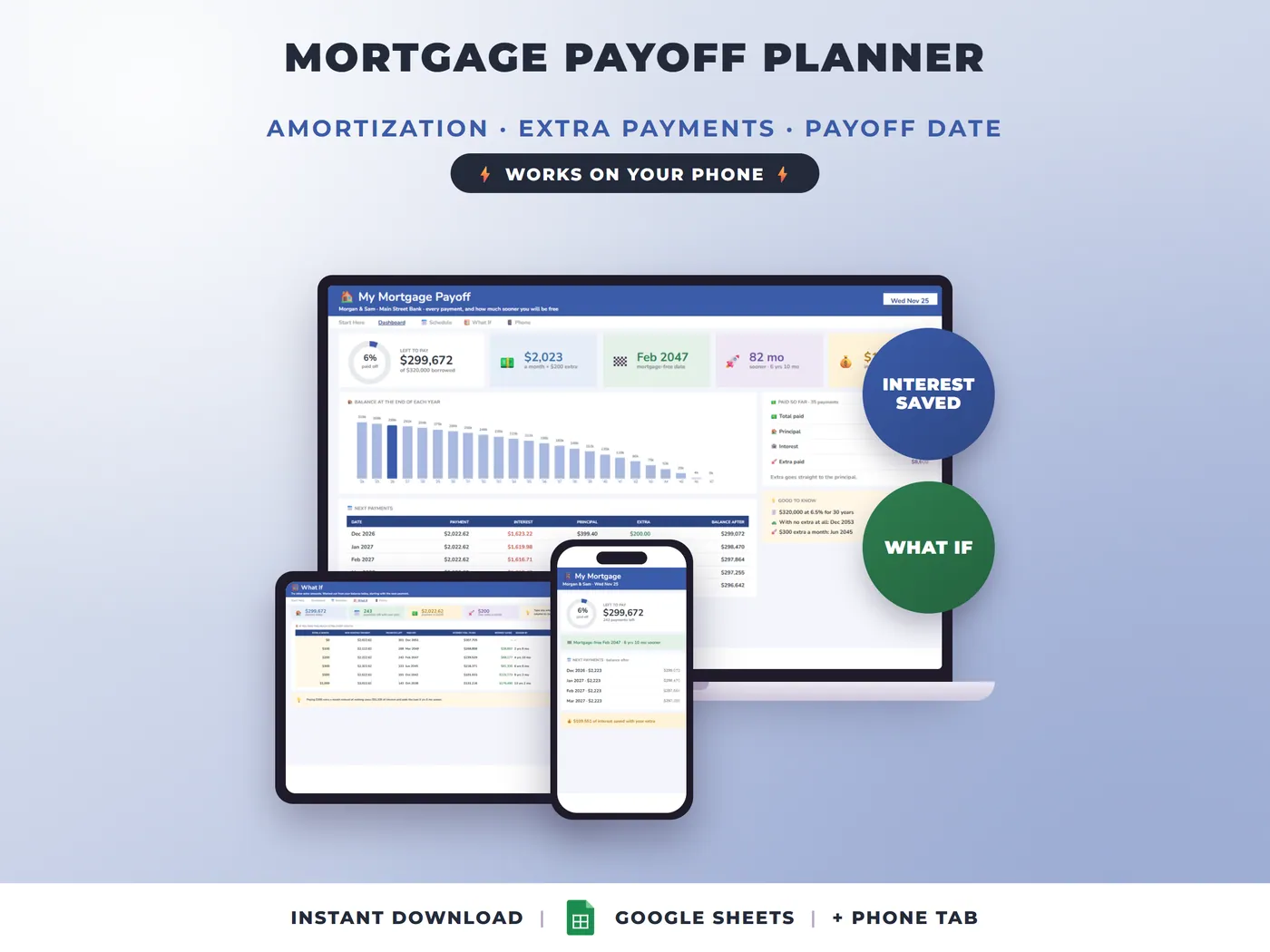
See the day your home is paid off. Type your loan once: every payment is worked out until the end, and extra payments, monthly or one-off, move your mortgage-free date and show the interest you save.
Step by step
How It Works
- 01
Set it up: amount borrowed, interest rate, years, first payment date and your extra a month
- 02
Type a one-off extra (tax refund, bonus) on its month in the schedule
- 03
Try other extra amounts in What If and pick your plan
5 parts
What's inside
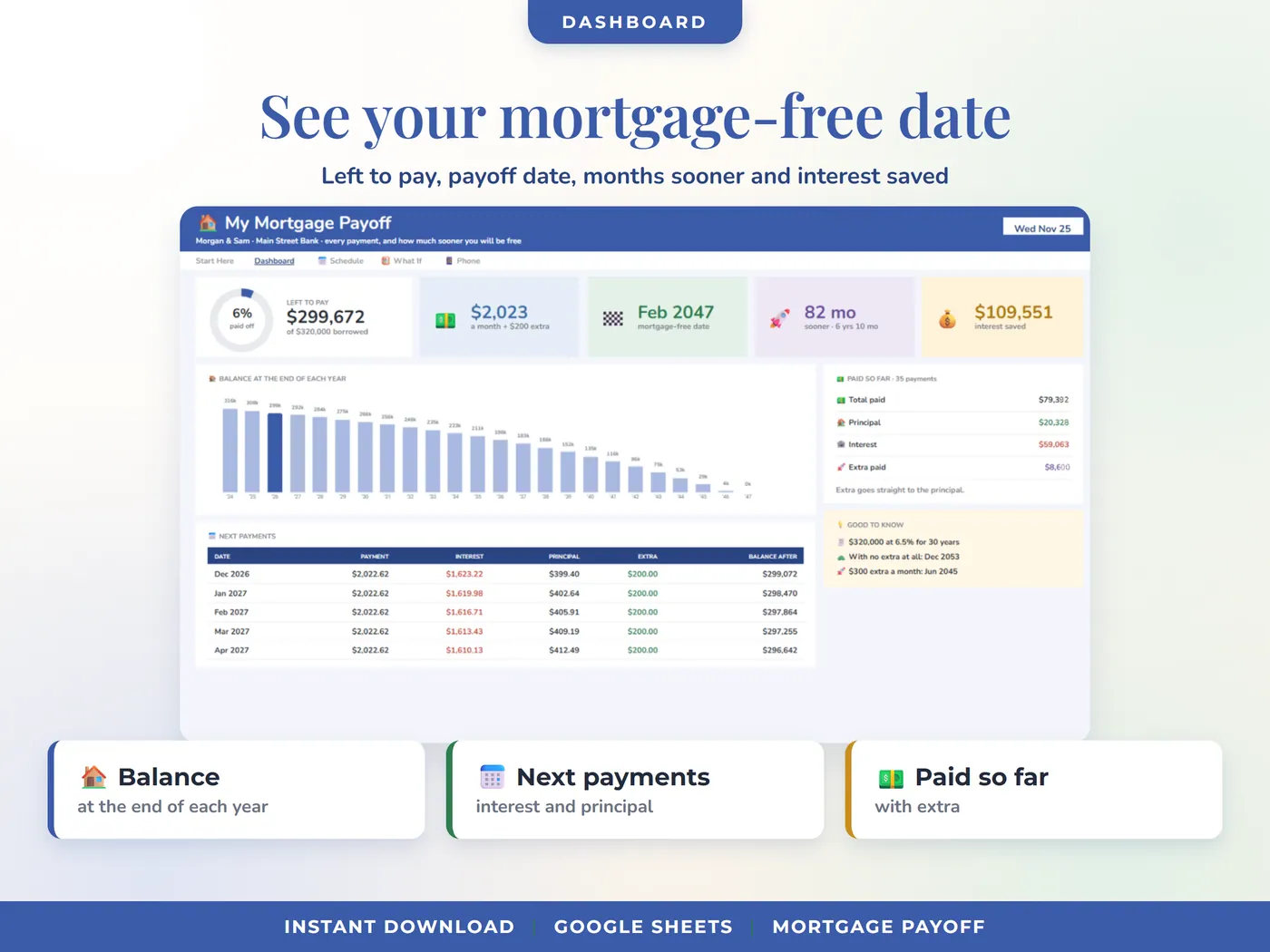
Left to pay, payment, mortgage-free date, months sooner, interest saved, balance at the end of each year, next payments and paid so far
Every payment with interest, principal, monthly extra, one-off extra and balance, paid ones marked
6 extra amounts compared from your balance today: new payment, payoff date, interest saved, sooner by
Loan amount, rate, years, first payment, extra a month and when it starts
Payoff date, next payments and interest saved
Good to know
Works on computer, tablet and phone, in the free Google Sheets app.
Made for Google Sheets, not Excel.
Amounts in US dollars. Principal and interest only: taxes, insurance and PMI are not included. Works for any loan up to 40 years.
What You Get
- A PDF with your link to make your own copy, plus a quick start guide. You need a free Google account. Pay once, no subscription, private in your own Google Drive. The names and numbers in the photos are examples: your copy starts empty.
- Digital download, nothing will be shipped. No returns on digital items. For personal use only.
Delivered instantly · $2.99 · pay once