 1 / 8
Expense Tracker
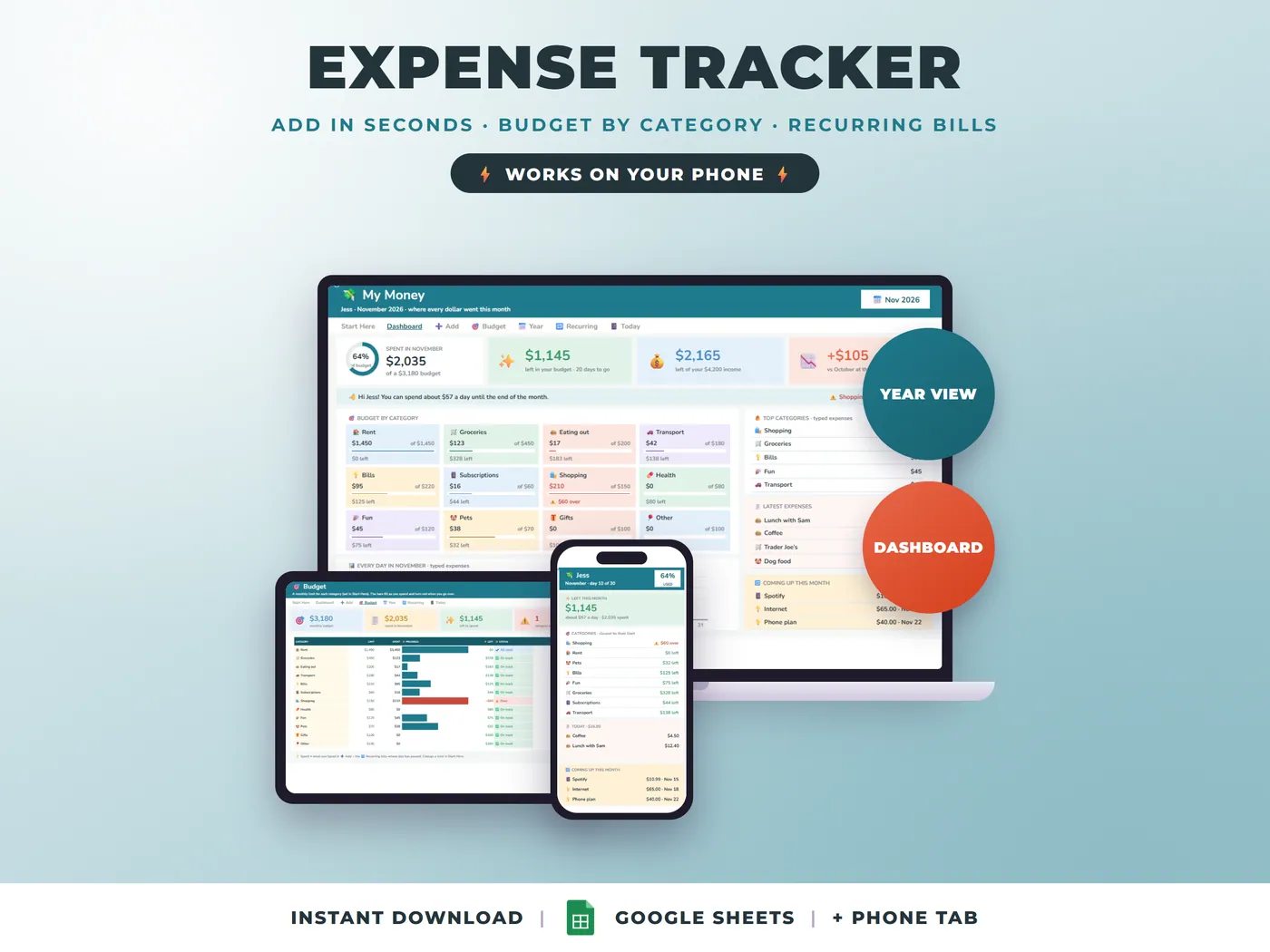
Want to know where your money goes, without a banking app? This Google Sheets expense tracker is made to be used on your phone: tap one button, it jumps to your next empty line, type the amount, pick the category, done.
$5.99
One-time paymentSecure checkout by Stripe · Card, Apple Pay, Google Pay
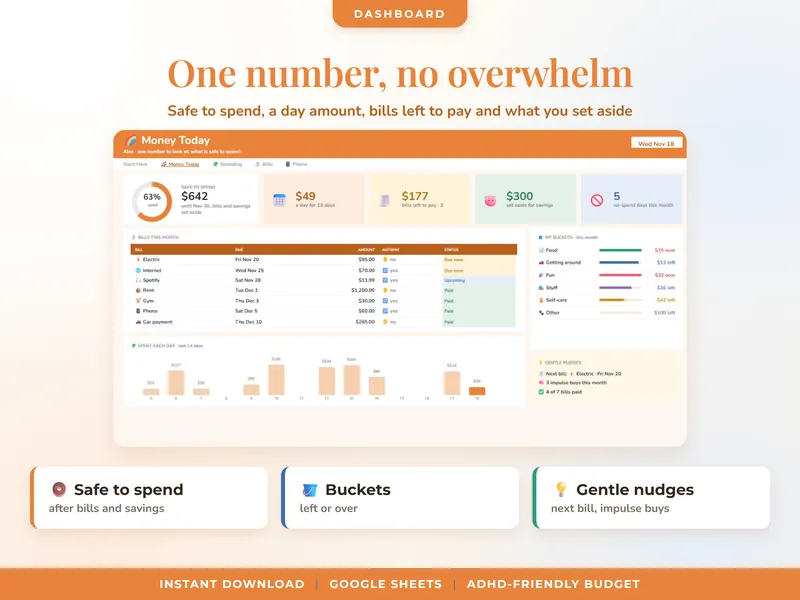
Want to know where your money goes, without a banking app? This Google Sheets expense tracker is made to be used on your phone: tap one button, it jumps to your next empty line, type the amount, pick the category, done. The Dashboard shows what you spent, what is left this month and how much you can spend a day.
Step by step
How It Works
- 01
Set it up: your name, your monthly income and a monthly limit for each category (up to 12, rename them as you like)
- 02
Type your bills once: rent, phone, subscriptions… go in the Recurring tab and count in your month by themselves on their day
- 03
Add what you spend: one line per expense, with a calendar to pick the date and a list to pick the category. Everything else updates by itself
7 parts
What's inside
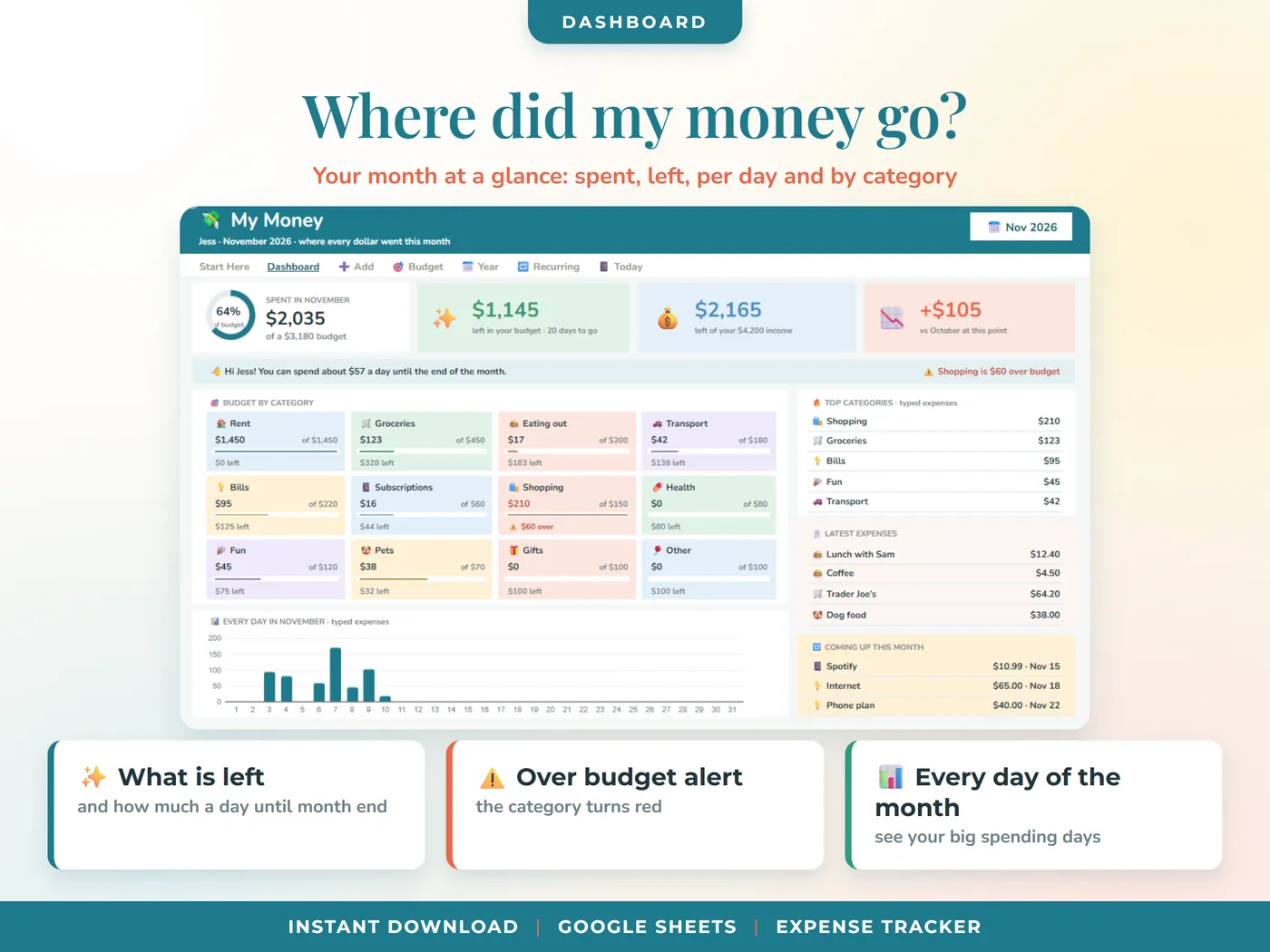
Spent this month, what is left and how much a day, left from your income, this month vs last month, a card for each category, a chart of every day of the month, your latest expenses and the bills coming up
Your expense log with date picker, amount, category list, note and card or cash. An orange button takes you to your next empty line
Limit, spent, a progress bar and what is left for each category. A category over its limit turns red. Last month is right next to it
Every category, month by month, and a chart of spending vs income for each month of the year
Bills and subscriptions, monthly or every 2, 3, 6 or 12 months. See what is counted, what is due soon and your fixed costs per month and per year
Your settings and your 12 categories with their emoji and monthly limit
Made for your phone. What is left, the categories closest to their limit, today's expenses and the bills coming up
Good to know
Works on computer, tablet and phone, in the free Google Sheets app.
Amounts in US dollars. Made for Google Sheets, not Excel.
Nothing is connected to your bank: you type your own expenses. No app, no login.
One year per file: for a new year, make a copy and clear the expense lines.
What You Get
- A PDF with your link to make your own copy, plus a quick start guide. You need a free Google account. Pay once, no subscription, private in your own Google Drive.
- Digital download, nothing will be shipped. No returns on digital items. For personal use only.
Delivered instantly · $5.99 · pay once